TB.One > Import & Export > Master Data Import via TB.Cat/XML > Master Data Import via XML - Multi-Language Import
Master Data Import via XML - Multi-Language Import
A lot of the information in TB.One can be imported in multiple languages. Most examples used on this site show the import in German and/or English.
<P_COMPONENT identifier="key" key="wid" name="Länge"> <VALUE xml:lang="x-default">110cm</VALUE> </P_COMPONENT> |
To import more than one language, you first need to create the additional language(s) in TB.One at "Articles > Translation > Languages" and assign import keys to them.
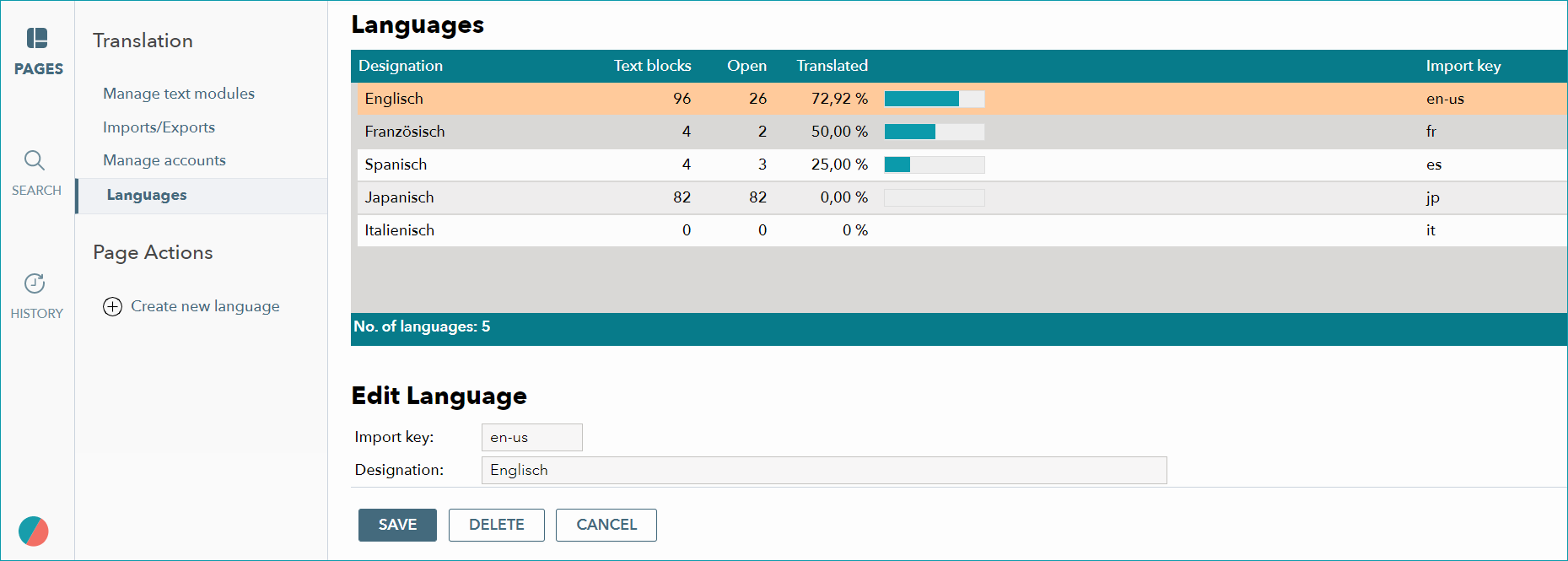
The value of the tag "xml:lang=" for additional languages depends on the assigned import key. In the example above, the import key is "en-us".
ATTENTION: |
For further information, see also:
•Master data import via XML - overview
•Examples: XML for TB.Cat 1.2 or TB.Cat 1.4