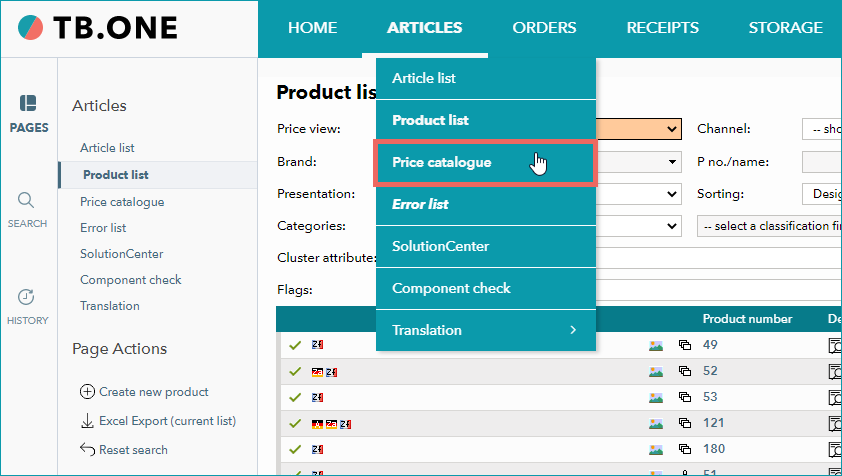
The price catalogue menu is located at "Articles > Price catalogue".
Here, you can access an overview of all your price lists, search for price lists via filters, edit existing price lists and create new ones.
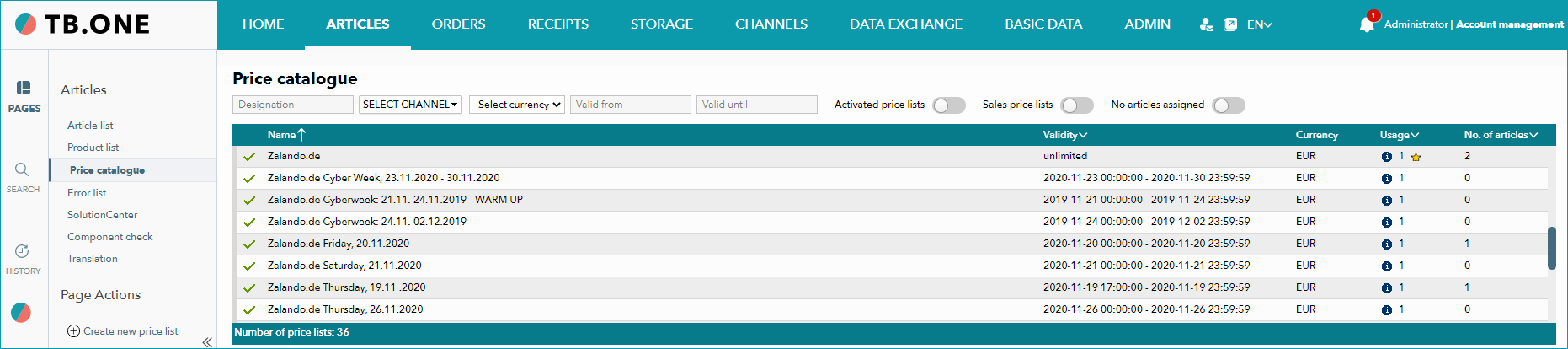
Description of the icons in the price list table (also see the mouseover text in the UI) |
|
|---|---|
|
This price list is active. |
|
This price list is not active. |
|
This price list is currently selected as the default price list of the assigned channel. |
|
Hover your cursor over this icon to display all channels to which the price list is currently assigned. |


TIP: |

CONFIGURING THE FILTERS
Use the filters to search for existing price lists.

The filters are cumulative; they can be set simultaneously (the screenshot is numbered for your orientation) |
||
|---|---|---|
|
Enter a designation. The auto-complete function may help you. |
|
|
Select a channel from the drop-down. The filtered list below will only show price lists assigned to that channel. |
|
|
Select a currency from the drop-down. The filtered list below will only show price lists containing prices in that currency. |
|
|
Provide the start date from which the price lists may be valid (use the date selection in the calendar). |
|
|
Provide an end date up to which the price lists may be valid (use the date selection in the calendar). |
|
|
Control the display of activated price lists via the toggle switch:
|
|
|
Control the display of sales price lists via the toggle switch:
|
|
|
Use the toggle indicate whether you want to search for price lists without assigned articles:
|
|


For further information, see also: