Marketplaces > Marketplace Integration > Import and Export Settings (Marketplace Integration)
Import and Export Settings (Marketplace Integration)
Check the import and export settings to avoid errors when importing or exporting data.
1. Import of Dispatch advices: "Admin > Import > Settings"

Fig.1: Import of dispatch advices
Configure how TB.One imports your dispatch advices. You can find a description of the options here under "Import dispatch advices".
2. Configuration of order exports: "Admin > Export > Orders"
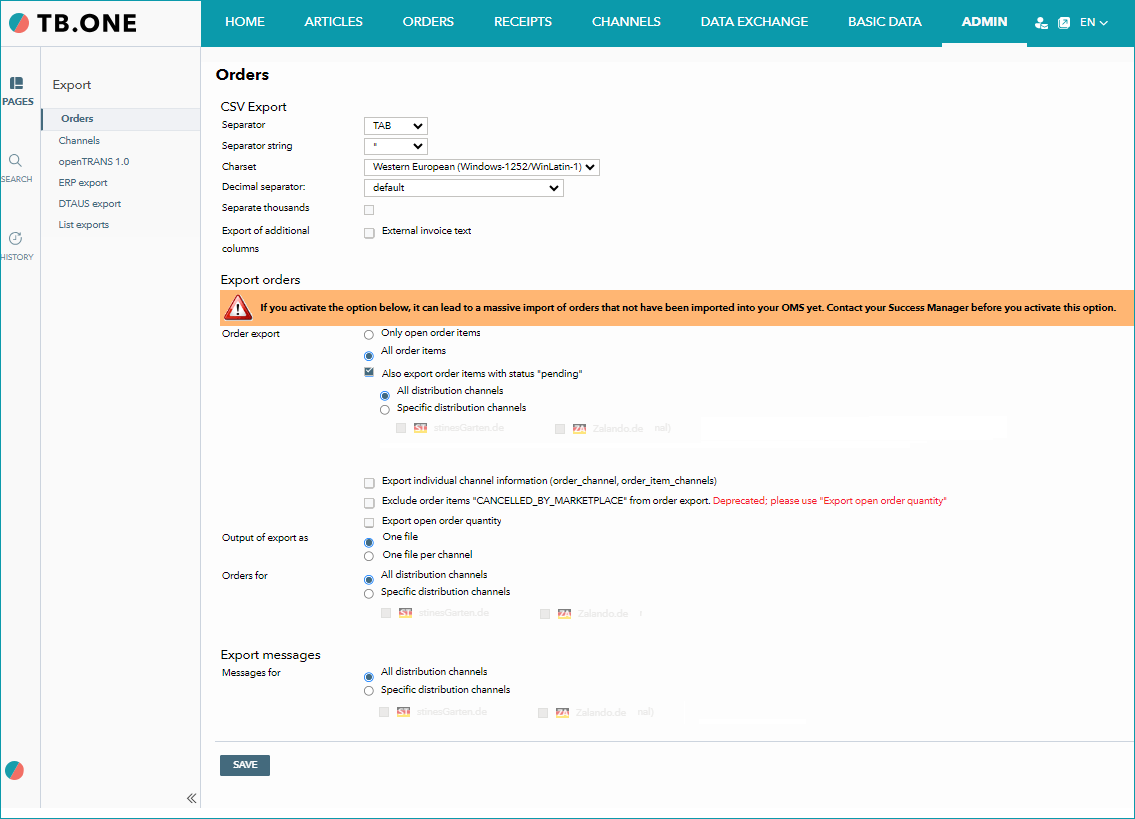
Fig.2: Order export
Configure which orders TB.One exports to your system and how. Find a description of the options here under “Export orders”.
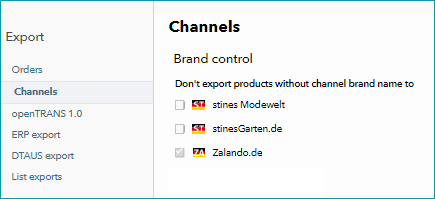
Fig.3: Brand control
Choose whether products whose brands do not have channel-specific names are exported to a channel. You can find more information on the so-called “brand control” feature here.
TIP: Details on the configuration of the export with openTrans can be found here. |