TB.One > Setup, Configuration & User Accounts > Dynamic Storage Management > LIST OF INCOMING GOODS FOR DYNAMIC STORAGE MANAGEMENT
LIST OF INCOMING GOODS FOR DYNAMIC STORAGE MANAGEMENT
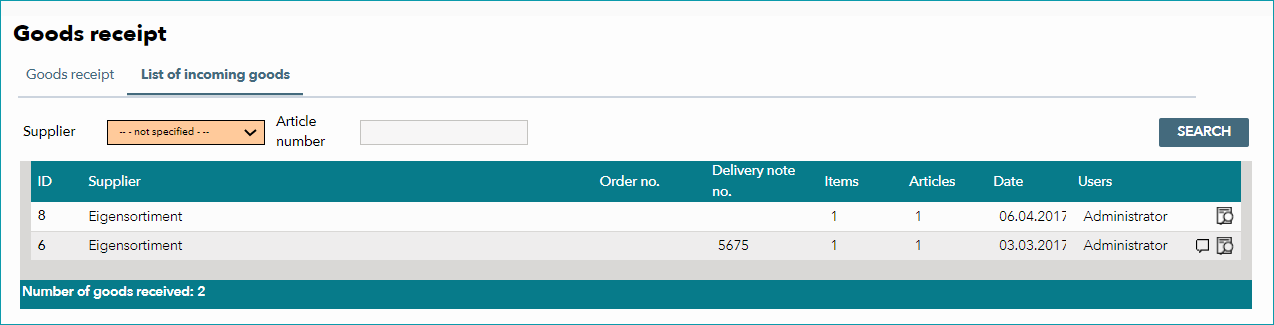
The list of incoming goods is a history of goods receipts for dynamic storage management. You can find it at "Storage > Goods receipt" on the tab "List of incoming goods". The list allows you to filter goods by article number and/or supplier (if available). In the list below, the past incoming goods are displayed according to the filter. They are sorted by an ID, which was automatically assigned to them by TB.One. A click on the magnifying glass icon at the end of a row will open a new window. This window displays a list of all articles that were booked in during the respective process, along with information about their bin locations, article numbers, EANs, assigned orders (if available) and the amount of time that has passed since the goods were booked in. Clicking on a row will take you to the tab "Goods receipt", where you can view further details regarding the respective booking process.
For further information, see also: