TB.One > Setup, Configuration & User Accounts > Configuring Documents > Automatic Output of PDF Documents
Automatic Output of PDF Documents
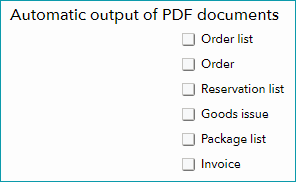
The automatic output of PDF documents can be configured at "Admin > System settings > Documents" (section "Automatic output of PDF documents").
By default, the checkboxes for the automatic output of documents (order list, order, reservation list, goods issue, package list and invoice) are disabled. As long as the boxes are disabled, triggering a printout in one of the menus will create a PDF document which you can either save or send to a printer. If you activate a checkbox, the corresponding document will be sent to the printer directly without opening the PDF document first.
ATTENTION: |
For most channels, you only need to create invoices for your own records. If you have to include invoices in the packages you send to your customers, that fact is mentioned in the respective channel's documentation.