TB.One > Order Data and Order Processing > Order Processing in TB.One > Order Detail View > Order Processing in the Order Detail View
Order Processing in the Order Detail View
Open the order detail view by clicking on an order number, order ID, or consignee's name in the order list ("Orders > Order list"). The order details will open on the tab "Consignee & positions".
The tab shows the shipping address to the left, information regarding costs and payment in the middle and a box for internal comments on the right. The list below shows all order items. Unprocessed items are marked with a red "X" in the column "Status". With the buttons on the lower right, you can print order documents for this particular order.
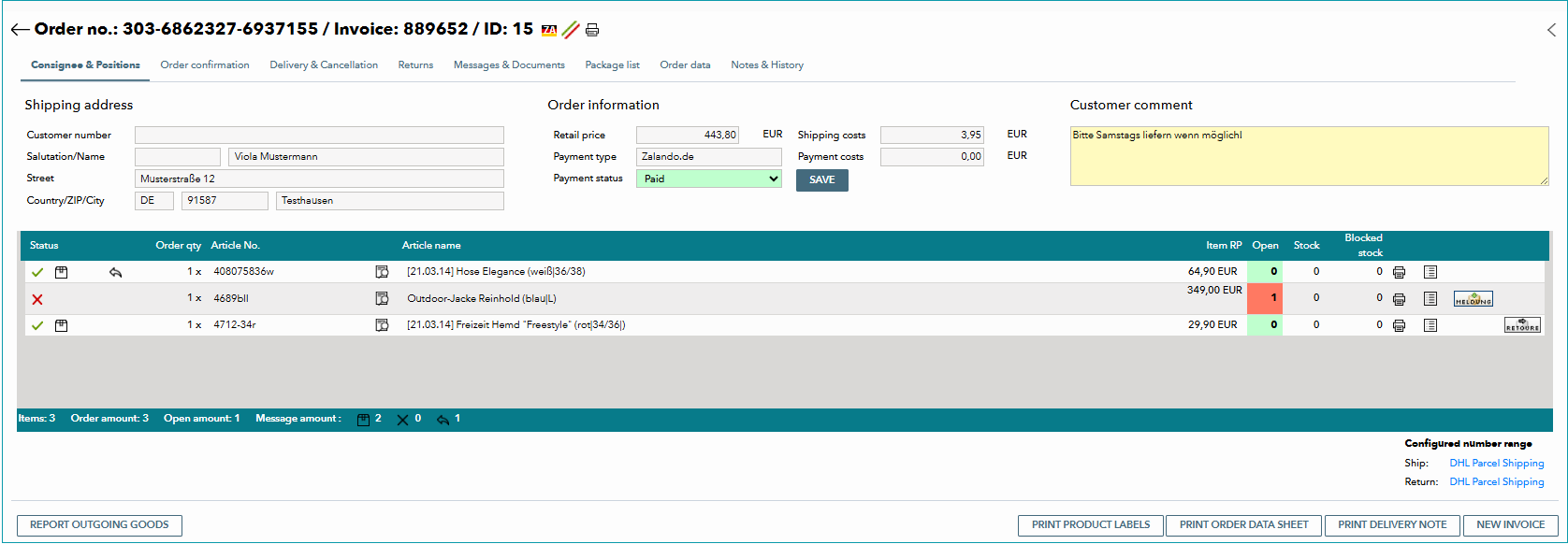
From here, you can switch to other tabs to confirm or cancel orders, send dispatch advices or process returns. They are described on the following pages:
For further information, see also:
•Bulk order processing in the order list
•Manual order processing - overview