TB.One > Product and Article Data > Manual Master Data Creation > Creating Products > Creating Products - Overview
Creating Products - Overview
To manually create a new product in TB.One, open the menu "Articles > Article list" or "Articles > Product list". Select the tab "Pages" in the left navigation bar and click on "Create new product". An editing window will open. Here, you should provide as much information as you can. At minimum, you need to provide a product name (designation) which, depending on the configuration of your TB.One, may need to be split into common noun and proper name. This information is necessary to save the product. All other information can be added/changed at a later point in time. This menu also allows you to add a brand, an internal category and flags.
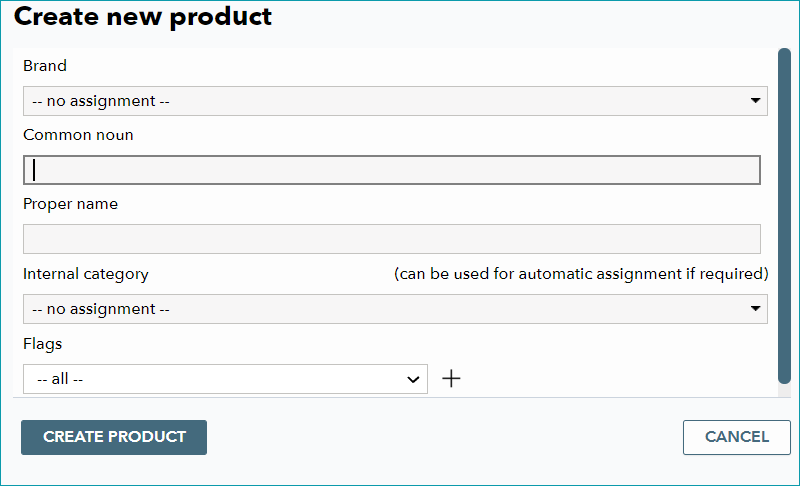
When you save by clicking on "Create product", you will automatically be taken to the new product's product detail view. Here, you can see different tabs. The contents of these tabs is explained in the other pages listed under "Manual master data creation".
ATTENTION: |
TIP: |