TB.One > Product and Article Data > Clusters and Internal Categories > Clusters > Defining Clusters
Defining Clusters
Clusters can be defined manually or via import. If you choose to add them via import, check the import settings at "Admin > Import > Settings". Especially the section "Create import keys from import file automatically" is important. The configuration of clusters is optional and can only be done manually.
Clusters are free texts, which can be used to implement various mapping options. Usually, they contain information that enables mapping to distribution channel categories. A description text can be transferred along with each cluster.
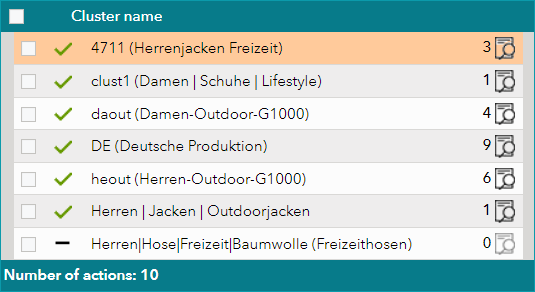
In contrast to the internal categories, clusters are not structured hierarchically. You may assign any number of clusters to a product, but each product can only be part of one internal category. However, we generally recommend using one cluster per product to ensure clear mapping. At some channels, you can use your clusters' description texts as the navigation for your merchant shop within a portal. Keep this in mind when creating description texts for your clusters, if one of your channels offers this possibility. One great advantage of clusters is that they facilitate the connection of new distribution channels as you can use your preexisting clusters for mapping. This often renders a direct import of channel categories unnecessary.
CONSULT THE FOLLOWING PAGES TO LEARN HOW TO CREATE AND USE CLUSTERS: |
|---|
For further information, see also:
•Assigning clusters manually
•Assigning clusters via CSV
•Assigning clusters via XML
•Comparison of internal categories and clusters
•Configuration of the application of clusters